Car Diagnostic Tool UK: How to Choose the Right Scanner for Your Car
A practical UK guide to choosing a car diagnostic tool by fault type, vehicle coverage, live data, service functions, updates and total cost.
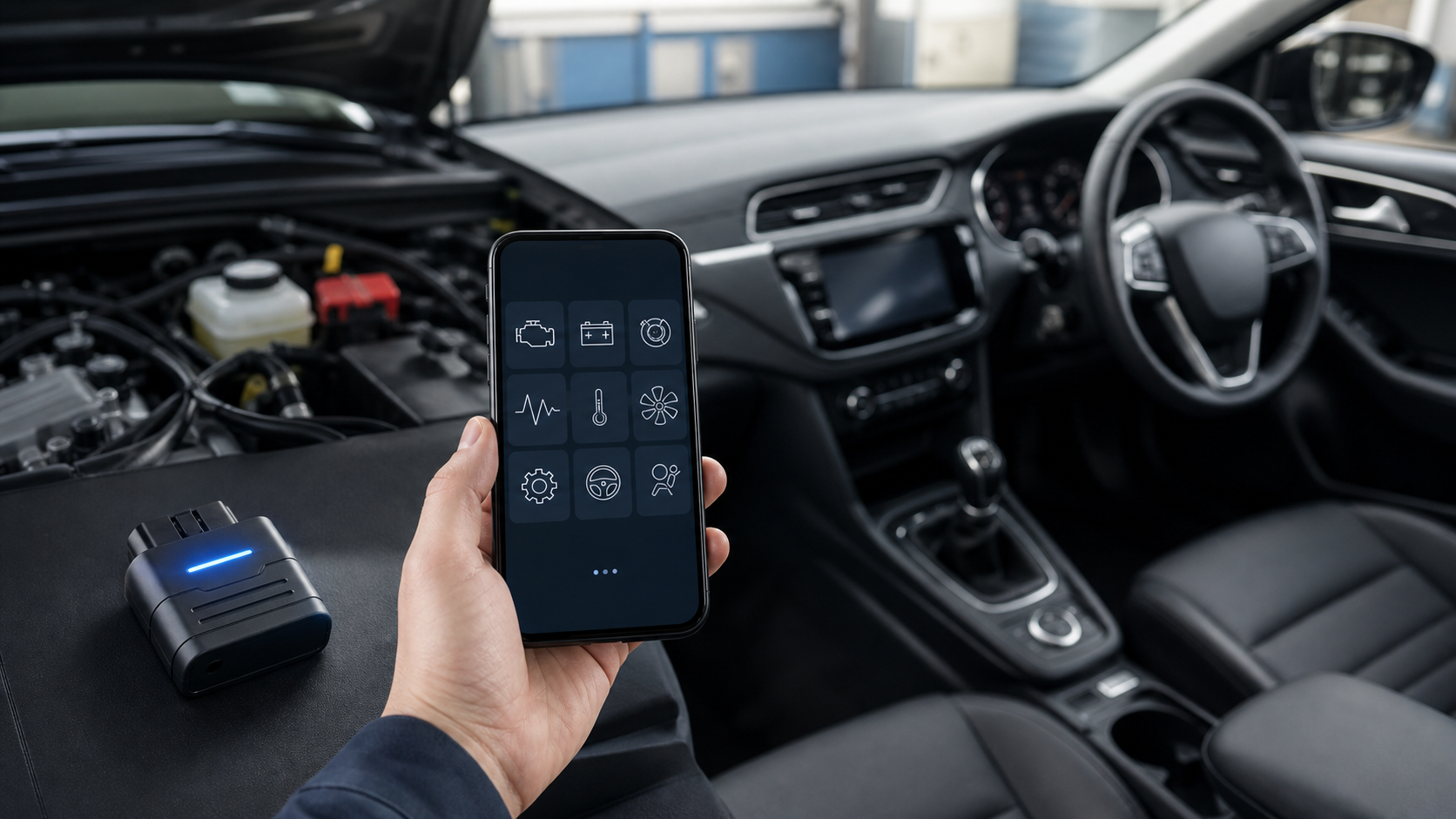
A car diagnostic tool is worth buying when it can access the system you actually need, on your exact vehicle, and show enough information to support the next sensible test. A cheap code reader can be perfectly adequate for a check-engine light. It becomes the wrong tool when the fault sits in ABS, airbags, transmission or a manufacturer-specific control unit.
Start with the fault you need to diagnose. Then check vehicle coverage, data access, service functions, software costs and support. Price comes after those five questions, not before them.
The four common types of car diagnostic tool
| Tool type | Usually useful for | Main limitation |
|---|---|---|
| Basic OBD2 code reader | Reading and clearing engine and emissions-related codes | Usually cannot reach ABS, SRS, body or transmission modules |
| Bluetooth OBD2 adaptor and app | Portable code reading, live data and trip-side checks | Capability depends heavily on the app and vehicle |
| Full-system scanner | Scanning multiple control modules and viewing wider live data | Coverage and functions still vary by make, model, engine and year |
| Professional diagnostic platform | Guided tests, coding, topology and workshop workflows | Higher cost, subscriptions and training requirements |
The words on the box are not enough. “Full system” should mean the tool can identify and communicate with the modules fitted to your car. “Bi-directional” should mean it can command supported components for a test, not that every actuator on every vehicle is available.
For a current example of a phone-based full-system tool, see the eDiag Elite Pro Bluetooth OBD2 scanner. Treat its product page as a statement of advertised capability, then verify the coverage for your registration or VIN before relying on a particular reset, active test or coding function.
Match the scanner to the symptom
Check-engine light or emissions code
A basic reader may be enough to retrieve a diagnostic trouble code, its status and freeze-frame data. The code identifies the circuit or condition the vehicle detected; it does not automatically identify the failed part. Read the code before clearing it, record freeze-frame values, inspect obvious wiring and hoses, and test the likely causes.
The check-engine light scanner guide covers this narrower job. Buying a workshop-grade tablet solely to read an occasional engine code is usually unnecessary.
ABS, airbag, transmission or body-system warning
You need confirmed access to the relevant module. A generic engine reader may report “no codes” while the warning remains because it never communicated with the module that stored the fault. Check the coverage list for your exact vehicle generation and system.
Airbag, braking and steering work can affect safety. A scanner can provide evidence, but it does not replace the repair procedure, correct tools or competent judgement.
Service reset or component test
Oil, electronic parking brake, battery registration, steering-angle calibration and DPF functions are often marketed together as service functions. Availability is vehicle-specific. Ask the seller to confirm the exact function and vehicle before purchase, and keep that answer with the order record.
An active test can help separate an electrical control problem from a mechanical one. For example, commanding a fan or relay may show whether the control path responds. It is still one test in a diagnosis, not proof that every related component is healthy.
Seven checks before you buy
1. Exact vehicle coverage
Record the make, model, model year, engine, fuel type and ideally VIN. Confirm both module coverage and the specific function you need. “Works with most cars” is too vague for a purchase decision.
2. Data you can actually use
At minimum, look for stored, pending and permanent code status where supported, freeze-frame information and readable live-data labels. Graphing and recording are useful when a value changes under load or during a road test, but a large data list is not the same as accurate interpretation.
3. Update policy
Separate the hardware price from software access. Check whether standard diagnostics, new vehicle coverage, service functions and advanced coding follow different payment rules. “Free updates” may apply to core functions while optional features remain chargeable.
4. Phone, tablet or standalone operation
A Bluetooth scanner is compact and easy to update, but it depends on a compatible phone, available storage, app permissions and a stable connection. A standalone unit costs more and adds another device to charge, but it keeps workshop work separate from a personal phone.
5. Evidence capture
Screenshots, reports and saved live-data sessions make it easier to compare before and after a repair. If you diagnose for other people, export and customer-report options may matter more than a long list of resets.
6. Support and returns
Confirm the seller, support route, returns process and warranty wording on the live site. UK consumer rights are not replaced by a warranty. GOV.UK explains that goods must be as described and fit for purpose, and gives separate rules for faulty goods and distance-selling cancellations.
7. Total cost over two or three years
Include subscriptions, paid add-ons, replacement cables, app purchases and the time needed to learn the platform. A lower purchase price can become expensive if the function you need sits behind an unconfirmed upgrade.
A safe first-use workflow
- Charge the phone or scanner and update it before the vehicle is immobilised.
- Check battery voltage and follow the tool maker’s connection sequence.
- Run a complete scan and save the original report.
- Record code status and freeze-frame data before clearing anything.
- Inspect technical information and perform physical tests that match the code.
- Use active tests or resets only when the procedure is understood and supported.
- Rescan after the repair and document what changed.
Do not leave a plug-in adaptor connected indefinitely unless the maker explicitly supports that use. Avoid programming or coding with an unstable vehicle battery or unreliable connection.
Common buying mistakes
- Choosing by the number of advertised functions instead of exact vehicle coverage.
- Assuming an engine code names the part that must be replaced.
- Clearing codes before saving freeze-frame and status information.
- Treating “full system” as guaranteed access to every module.
- Confusing service resets with repair or component coding.
- Ignoring app storage, phone compatibility and update costs.
- Paying extra for a tablet when a reliable engine reader answers the real question.
For a broader comparison of scanner classes, read the automotive diagnostic scanner buyer’s guide. If budget is the main constraint, the cheap OBD2 scanner guide explains what to keep and what to give up.
FAQ
Will a car diagnostic tool tell me exactly what is wrong?
Not usually. It reports what the vehicle detected and provides data that narrows the investigation. The final diagnosis may require wiring checks, pressure or voltage measurements, inspection and manufacturer procedures.
Do all UK cars use OBD2?
Modern cars provide a standard diagnostic connection for emissions-related information, but module access and manufacturer-specific functions vary. Confirm the exact vehicle rather than relying on the connector alone.
Is a Bluetooth scanner as good as a diagnostic tablet?
It can be the better choice for portable diagnostics when the app offers the needed coverage. A professional tablet may add guided functions, broader coding and workshop reporting, but those extras only matter if the job needs them.
Can I use a scanner to reset an airbag or ABS warning?
Only after the underlying fault is diagnosed and repaired, and only if the tool supports the exact vehicle and procedure. Safety-system work should be escalated when the repair is outside your competence.
Bottom line
The best car diagnostic tool is the least expensive reliable tool that reaches the correct system, supports the required function and preserves useful evidence. Define the job, verify the vehicle, understand the software boundary and keep a clean before-and-after record. That method prevents both underbuying and paying for features you will never use.